Editing Tips for Dog Photography
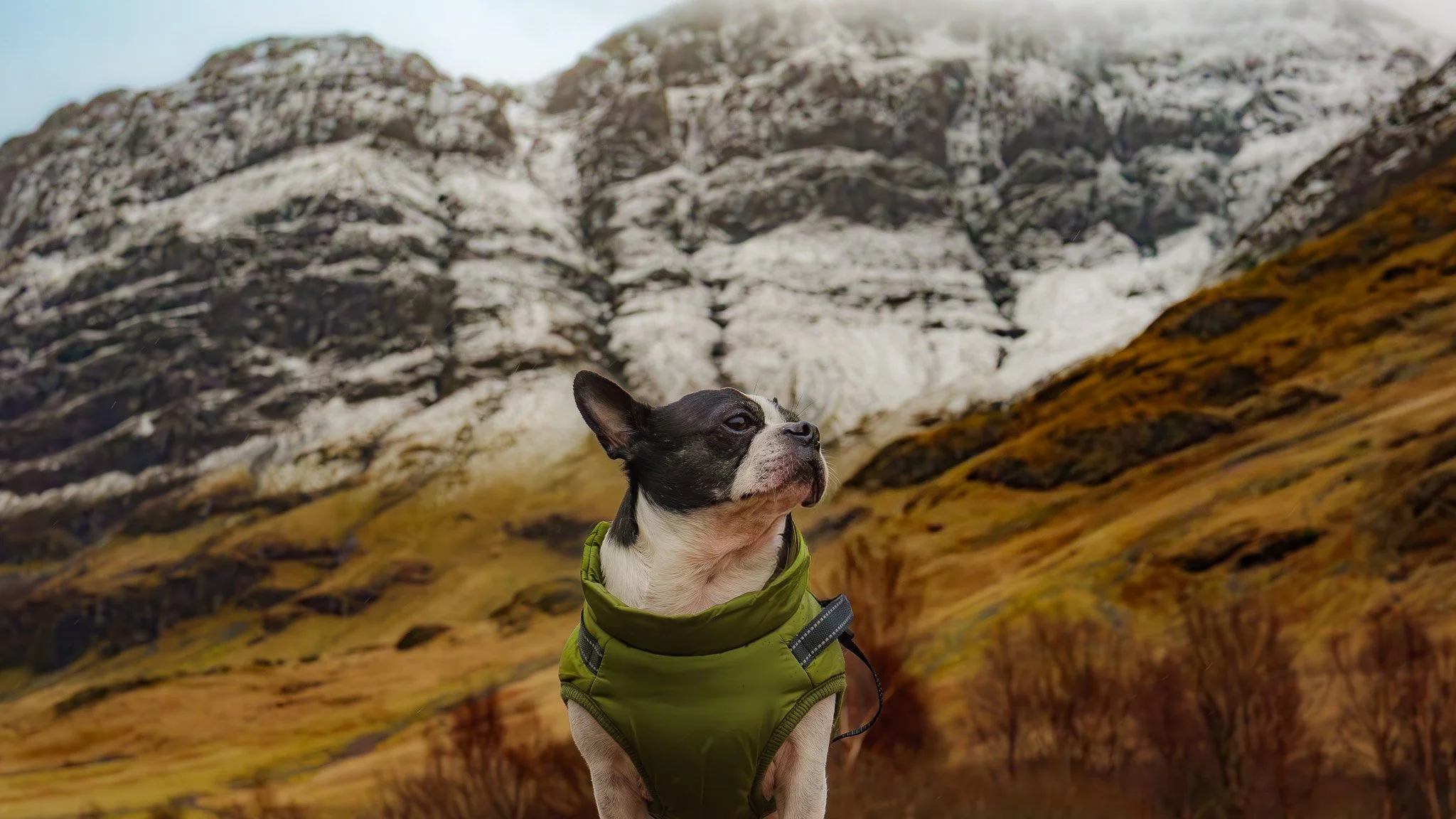
Boston Terrier in Glencoe
Editing dog photos is about enhancing detail, personality, and fur texture while keeping the image natural. Here are practical tips used by pet photographers, whether you’re editing in Adobe Lightroom, Adobe Photoshop, or mobile apps like Snapseed or Adobe Lightroom Mobile. 🐕
1. Start with Exposure & White Balance
Dogs often have tricky fur colors (pure white, deep black, or mixed).
Tips
Slightly raise exposure if the fur looks dull.
Adjust white balance so white fur isn’t blue/yellow.
Use Highlights ↓ for white dogs and Shadows ↑ for dark dogs.
✔ Goal: preserve fur detail without blowing out highlights.
2. Enhance Fur Texture
Fur detail makes dog portraits pop.
Adjust:
Texture +10–25
Clarity +5–15
Avoid too much clarity or the fur will look crunchy.
Pro trick: Apply these adjustments only to the dog using a mask.
3. Make the Eyes Stand Out 👀
The eyes are the emotional anchor of dog photos.
Steps:
Increase Exposure slightly
Add Sharpness
Boost Saturation a little
Increase Catchlight (whites) slightly
In Adobe Photoshop you can also add a tiny dodge layer to brighten the iris.
4. Improve Color Without Overdoing It
Grass and outdoor colors can overpower the dog.
Try:
Reduce green saturation slightly
Increase vibrance instead of saturation
Warm the photo slightly for a cozy look
5. Crop for Strong Composition
Dogs move a lot, so cropping helps fix framing.
Common crops:
Eye-level portraits
Rule of thirds with the eyes
Leave space in the direction the dog is looking
6. Use Background Softening
Busy backgrounds distract from the dog.
Options:
Decrease clarity on the background
Slight radial blur
Reduce saturation on background colors
This makes the dog pop naturally.
7. Sharpen Selectively
Avoid sharpening the whole image.
Sharpen:
Eyes
Nose
Fur around the face
Mask sharpening so it doesn’t affect the background.
8. Remove Distractions
Common distractions in dog photos:
Leads/leashes
Eye gunk
Stray hairs
Dirt spots
Use spot healing or clone tools.
9. Add a Gentle Vignette
A subtle vignette helps center attention.
Settings:
Amount: –5 to –15
Feather: high
💡 Pro Dog Photography Edit Style
Many professionals aim for:
Warm tones
Bright eyes
Detailed fur
Soft backgrounds
✅ Quick 30-second edit workflow
Fix exposure & white balance
Texture + clarity on fur
Brighten eyes
Reduce background saturation
• 5. Slight vignette
